

How to Reissue XtraTrust DSC from eKYC Login
- Sep 25, 2025
- 1 min read
How to Reissue XtraTrust DSC from eKYC Login
Follow these steps to reissue XtraTrust DSC from eKYC Login.
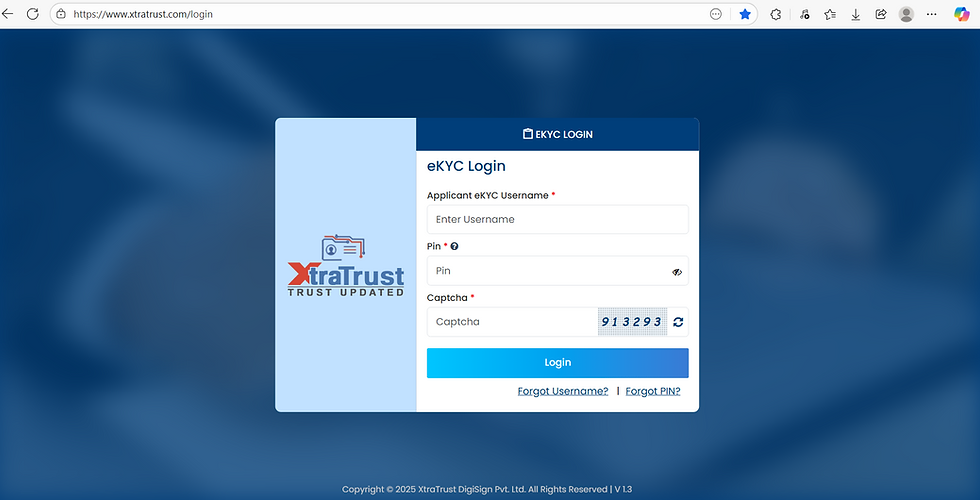
Step 1 : Open XtraTrust eKYC Login - https://www.xtratrust.com/login with eKYC Username, eKYC Pin and OTP. You can reset the Username or PIN with Forget Option if you do not know.
Step 2: In eKYC Login, Goto Left side menu and Click on DSC Services and then Reissuance. On next screen enter Application ID and Click Submit. 1 OTP will go to customer mobile , enter OTP and DSC will be reissued. Now logout from eKYC login and download the dsc normally you do.

Step 3: Now download DSC as normally you do with XtraTrust Utility. Challenge code will go to customer email / Mobile number. Ask customer about challenge code. If customer do not receive challenge code - Click here to resend
How to Format DSC Tokens ? If your USB Token is blocked or customer forget the password, click below links to know the steps to format the DSC Tokens.


Comments